every step towards building this site
every manual step with my bare hands lmfao yes probably easy for experienced people and this might not be perfect but it's a real explanation.
setup
first i set up the tan stack start project with this handy build-from-scratch guide from the official tan stack start docs
i started from the dependencies installation section, updated the config files, configured the router, used the root file they gave, and then wrote my first route where i just said hi so pretend that there's nothing in the main function on the index.tsx file and that was my setup.
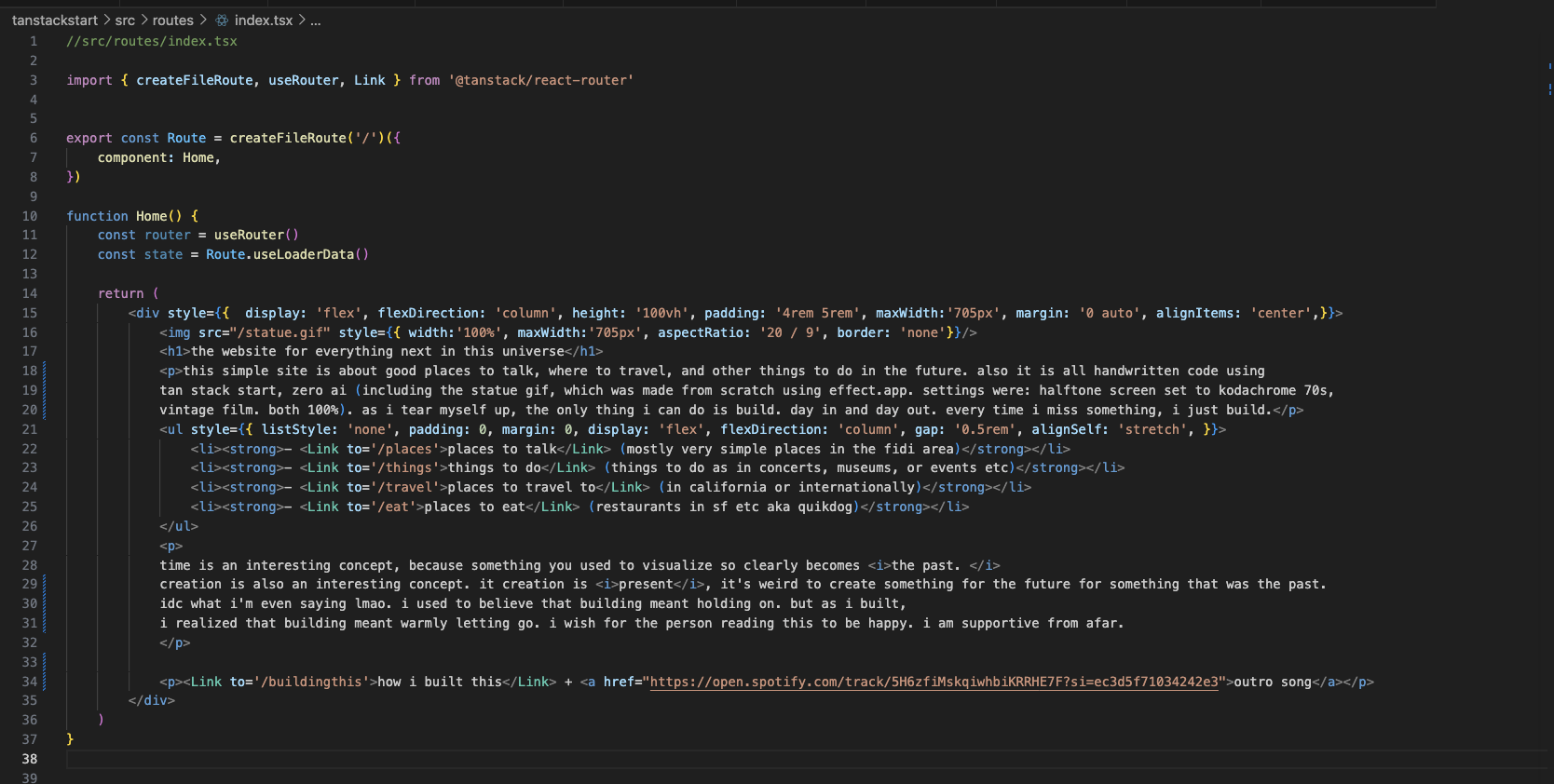
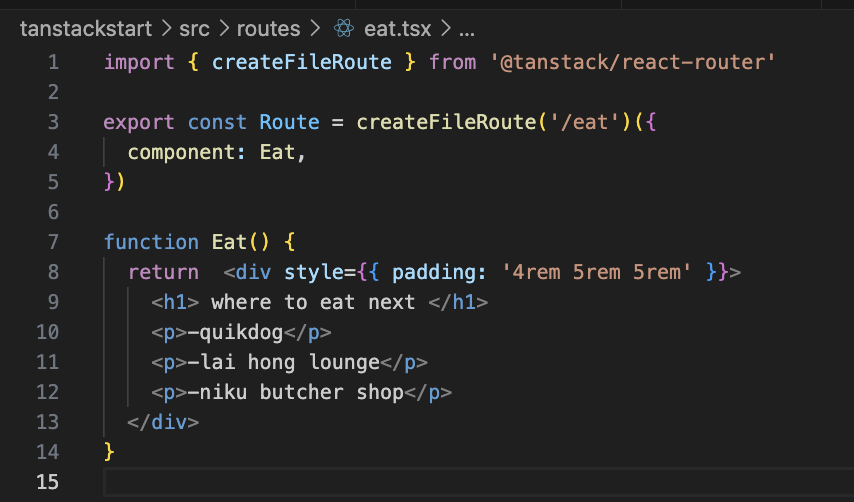
i ran the server and it generated routeTree.gen.ts then it was easy to set up the next pages that had their skeletons created upon creation. then imported Link at the top of index.tsx and used Link to get to all pages.
gif visuals
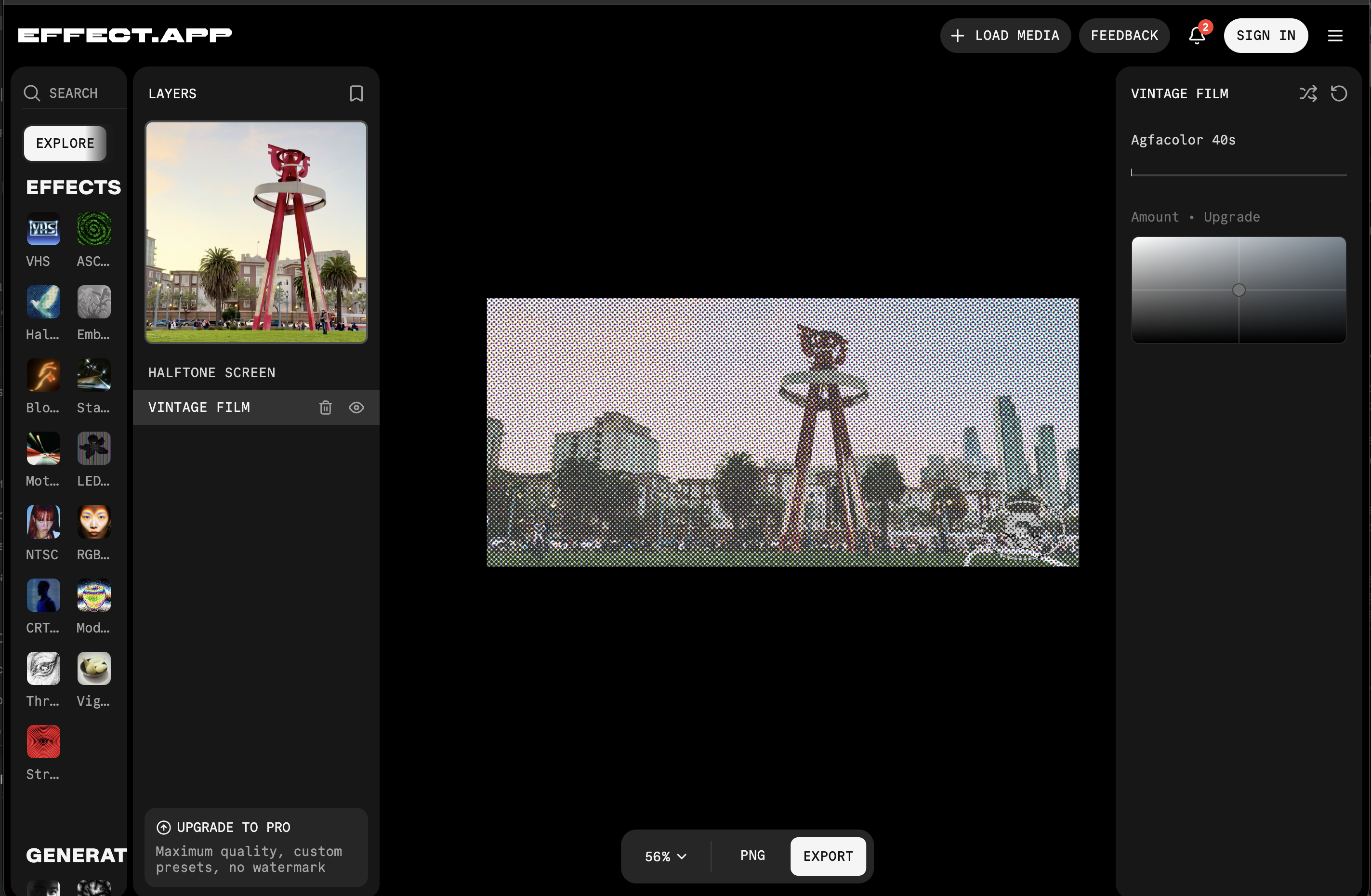
then i took a live photo of a statue that had been in my camera roll for a few months, turned it into a gif using cloud convert. then, i used effect.app with settings: halftone screen set to kodachrome 70s, vintage film. both 100%.
the frontend stuff
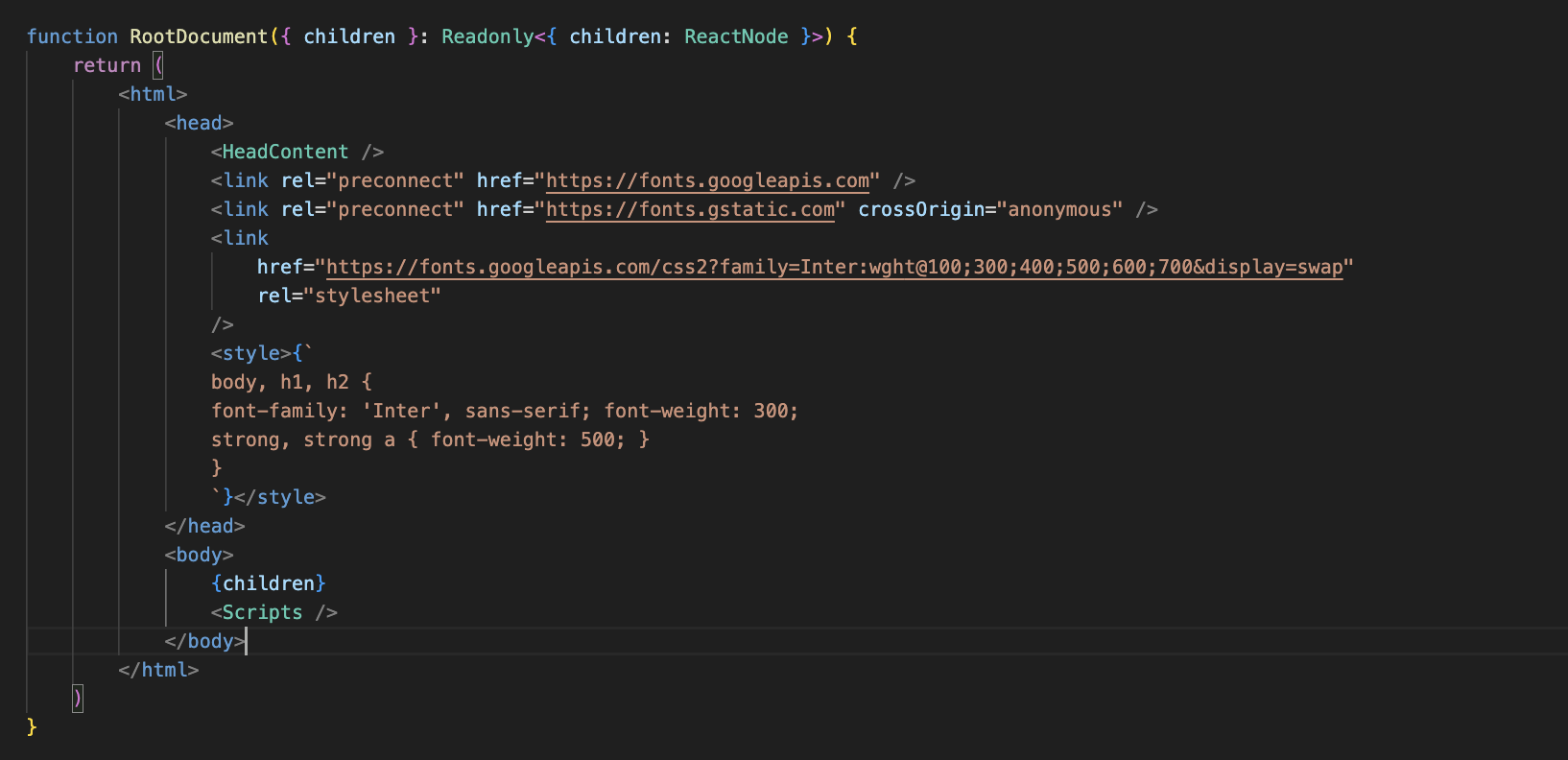
i just referenced all the tags on w3schoolsi was going to get a font from fontshare, but this google font i brought in actually didn't look too bad, so i stuck with it, and added the custom style for the relevant tags i wanted.
then yeah there was centering the div. flexDirection and alignItems
style= display: 'flex', flexDirection: 'column', height: '100vh', padding: '4rem 5rem', maxWidth:'705px', margin: '0 auto', alignItems: 'center' and making things responsive
width: '100%', maxWidth: '500px', height: 'auto', display: 'block'deploying
railway.

added a start script in package.json "start": "cd dist/server && npx srvx --prod -s ../client server.js" for railway
lastly, through building this and many similar projects from scratch in this time period, i realized that i really do like programming, and i kinda understand the beauty of clean and maintainable code. it's not so different than creating good art or music. it's really beautiful. after all, when someone builds you a really nice sketching website with thoughtful ads, your life tends to change.